

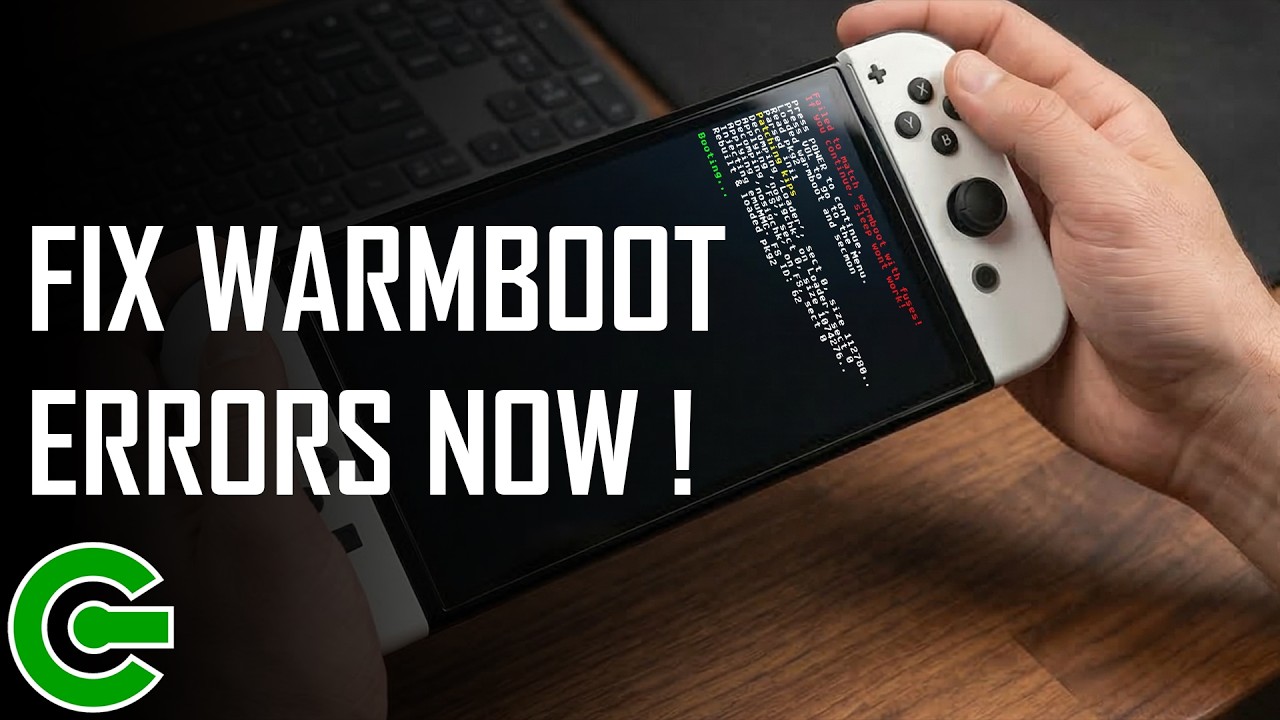
ATMOSPHERE DEAD? HOW TO FIX “FAILED TO MATCH WARMBOOT” ERROR PERMANENTLY!
Atmosphere’s future is uncertain, but your setup doesn’t have to be.
If you’ve updated your Stock/SysMMC firmware and are now stuck with the “Failed to match warmboot with fuses” error on your emuMMC, this video is for you. Learn how to fix the nagging warmboot and sleep mode issues on Mariko consoles without needing the latest Atmosphere update.
What’s inside:
The “Inside Story”: Why your SoC fuses are causing emuMMC errors.
The Fix: How to use the Warmboot-Extractor payload.
Future-Proofing: Why this tool is essential if the Atmosphere-NX repo ever stops receiving updates.
————————————————————
LINKS
https://github.com/sthetix/Warmboot-Extractor
————————————————————
TIME STAMPS
00:00 START
00:18 INTRO
00:29 DISCLAIMER
00:38 THE ISSUE
02:01 THE SHOWCASE
05:42 THE SOLUTION
07:36 OUTRO
————————————————————
MUSIC
https://elements.envato.com/urban-chill-lofi-KKL53LP
————————————————————
CONTACT & DONATION
https://linktr.ee/sthetixofficial
#NintendoSwitch #AtmosphereNX #WarmbootFix #SwitchModding #Hekate #Mariko #sthetix

