

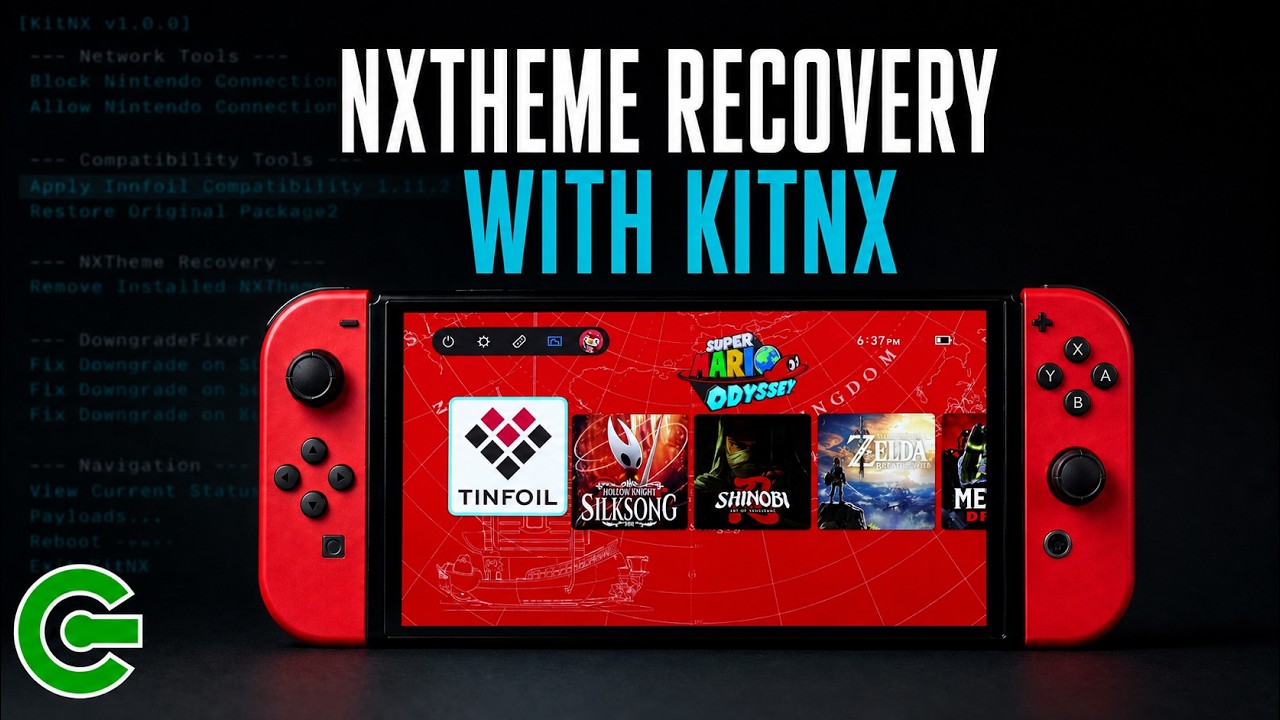
FIX SWITCH ERROR 2168-0002 AFTER FIRMWARE UPDATE WITH KITNX
Did your Nintendo Switch stop booting after a firmware update while a custom theme was installed?
If you encounter fatal error 2168-0002 after updating, the firmware update itself may not be the problem. The installed NXTheme may simply be incompatible with the new firmware.
In this tutorial, I’ll demonstrate how this error occurs and show you how to fix it using the NXTheme Recovery feature in KitNX.
You’ll learn how to install KitNX on your SD card, launch it through Hekatos, remove the incompatible NXTheme, and boot successfully back into Horizon OS. After recovery, you can either continue using the original HOME Menu or reinstall your custom theme.
To prevent this issue in the future, always remove any installed custom theme before updating the system firmware.
—
DOWNLOAD & LINKS
► KitNX:
https://github.com/sthetix/KitNX
► Latest HATS Pack:
https://github.com/sthetix/HATS
► HATS-Tools:
https://github.com/sthetix/HATS-Tools
—
SHOP
► Customized Gaming Consoles & Hardware:
► Need a Discount Coupon?
Contact me through the website or by email.
—
TIMESTAMPS
00:00 Problem Preview
00:12 Intro
00:15 Disclaimer
00:18 Chapter 01 — What Is KitNX?
00:33 Chapter 02 — How to Install KitNX
01:10 Chapter 03 — Updating with an NXTheme Installed
02:34 Chapter 04 — Fixing the Error with KitNX
03:32 Chapter 05 — Final Notes
—
CONTACT & DONATION
https://linktr.ee/sthetixofficial
#KitNX #NXTheme #NintendoSwitch

