

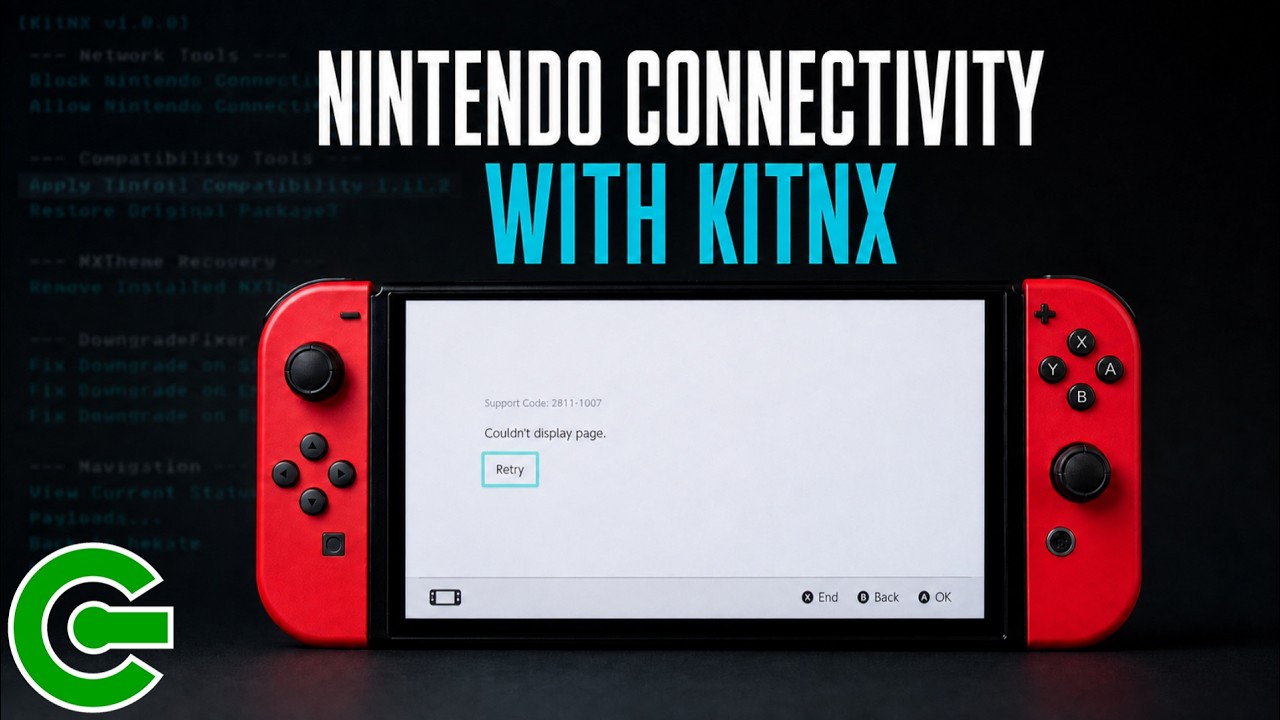
ALLOW OR BLOCK NINTENDO CONNECTIVITY ON SYSMMC CFW WITH KITNX
In this video, you will learn how to use KitNX, a custom payload utility designed to bundle essential Nintendo Switch maintenance and recovery tools. You will discover how to download and install KitNX directly to your console’s SD card, or how to access it if you are already utilizing a compatible HATS Pack release.
The guide walks you through the steps to safely allow Nintendo connectivity while running SysMMC CFW. You will learn how to launch the tool from Hekate, apply the configuration, and verify that the connection works by linking a Nintendo account and opening the Nintendo eShop.
Finally, the video demonstrates how to reverse this process and block Nintendo connectivity once again. You will see how to verify the block is active by checking for a specific network connection error, simplifying a process that normally requires manual file edits into a quick menu selection.
————————————————————
DOWNLOAD & LINKS
► Latest KitNX:
https://github.com/sthetix/KitNX
► Latest HATS Pack:
https://github.com/sthetix/HATS
► HATS-Tools:
https://github.com/sthetix/HATS-Tools
————————————————————
SHOP
► Customized Gaming Consoles & Hardware:
► Need a Discount Coupon?
Contact me through the website or by email.
————————————————————
TIMESTAMPS
00:00 START
00:08 INTRO
00:19 DISCLAIMER
00:22 CHAPTER 01 WHAT IS KITNX
00:38 CHAPTER 02 HOW TO INSTALL KITNX
01:16 CHAPTER 03 HOW TO ALLOW NINTENDO CONNECTIVITY
02:10 CHAPTER 04 TESTING NINTENDO CONNECTIVITY
02:53 CHAPTER 05 BLOCKING NINTENDO CONNECTIVITY AGAIN
03:39 CHAPTER 06 CLOSING
————————————————————
CONTACT & DONATION
https://linktr.ee/sthetixofficial

