

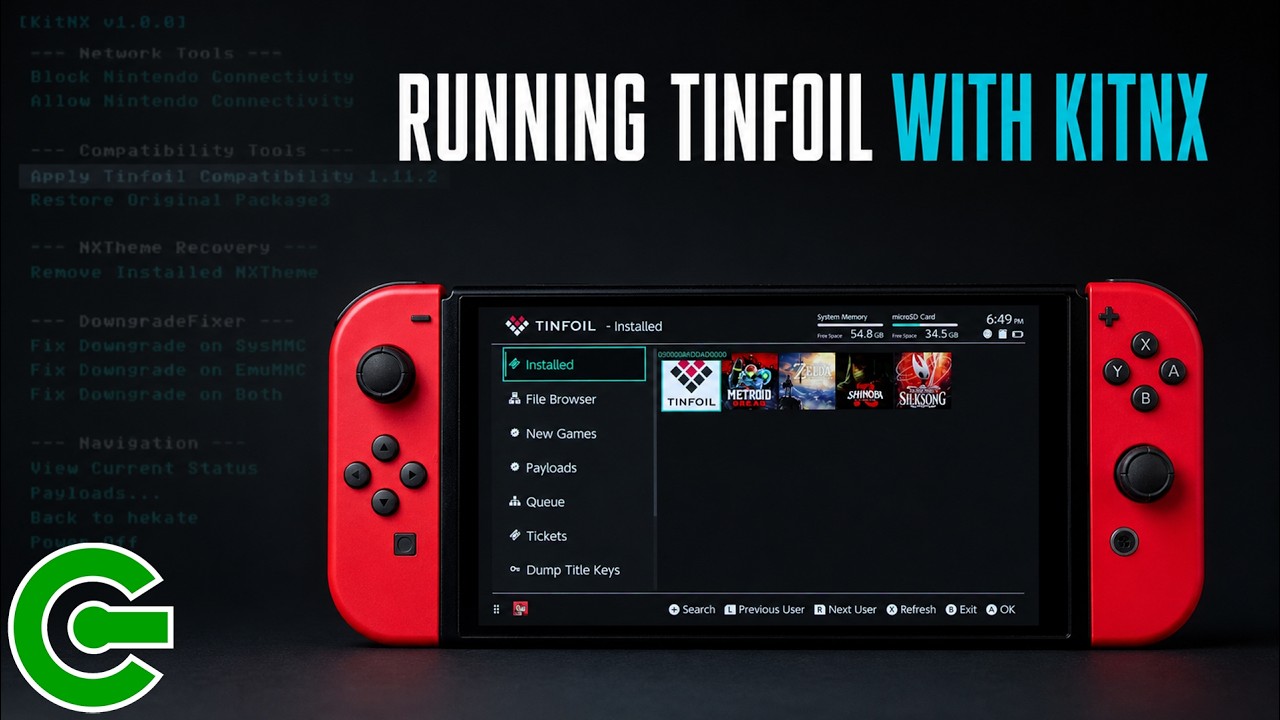
INSTALLING KITNX AND ENABLE TINFOIL COMPATIBILITY
In this video, you will learn how to use KitNX, a Nintendo Switch payload designed to make maintenance tasks easier. While the tool supports network configuration, NXTheme recovery, and downgrade recovery, this guide focuses specifically on enabling Tinfoil compatibility on the latest Atmosphere custom firmware.
The tutorial covers how to install KitNX by extracting the necessary files to your SD card root, as well as how to access it if you are already using a compatible version of the HATS pack. You will learn how to launch the payload from Hekate to apply the Tinfoil-compatible Package3 configuration, which replaces standard files with compatible versions.
Finally, the video demonstrates how to verify the changes through updated launch menu icons and test Tinfoil to ensure it is fully functional. You will also see how to use KitNX to restore your original Package3 backup and revert the system back to its standard configuration.
————————————————————
DOWNLOAD & LINKS
► Latest KitNX:
https://github.com/sthetix/KitNX
► Latest HATS Pack:
https://github.com/sthetix/HATS
► HATS-Tools:
https://github.com/sthetix/HATS-Tools
————————————————————
SHOP
► Customized Gaming Consoles & Hardware:
► Need a Discount Coupon?
Contact me through the website or by email.
————————————————————
TIMESTAMPS
00:00 START
00:07 INTRO
00:18 DISCLAIMER
00:23 CHAPTER 01 WHAT IS KITNX
00:57 CHAPTER 02 HOW TO INSTALL KITNX
01:36 CHAPTER 03 HOW TO APPLY TINFOIL COMPATIBILITY
02:28 CHAPTER 04 TESTING TINFOIL
02:56 CHAPTER 05 RESTORING THE ORIGINAL PACKAGE3
03:44 CHAPTER 06 CLOSING
————————————————————
CONTACT & DONATION
https://linktr.ee/sthetixofficial

